iPhone & iPad OpenVPN Set up

iPhone & iPad OpenVPN Set up
Please follow these instructions:
-
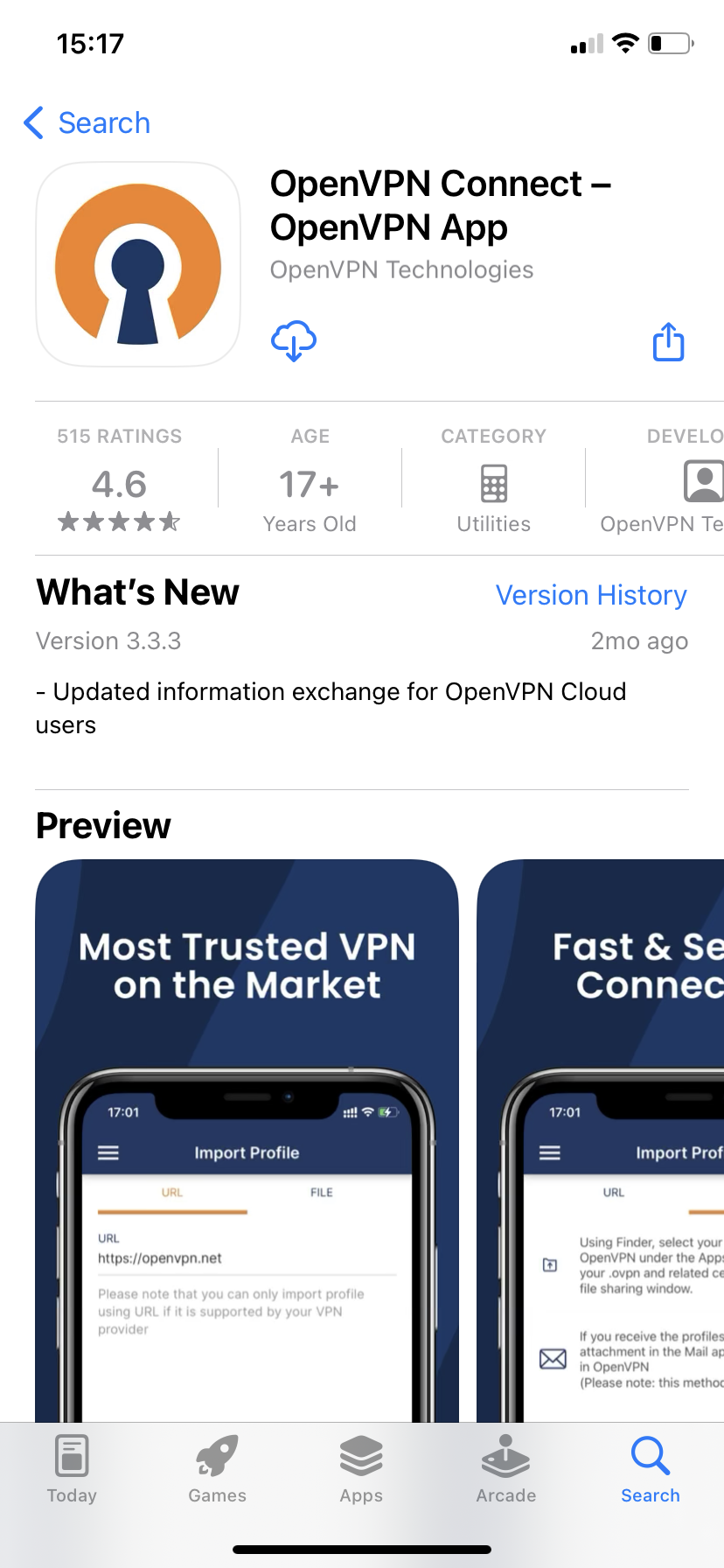
Install the OpenVPN Connect App for iOS
-
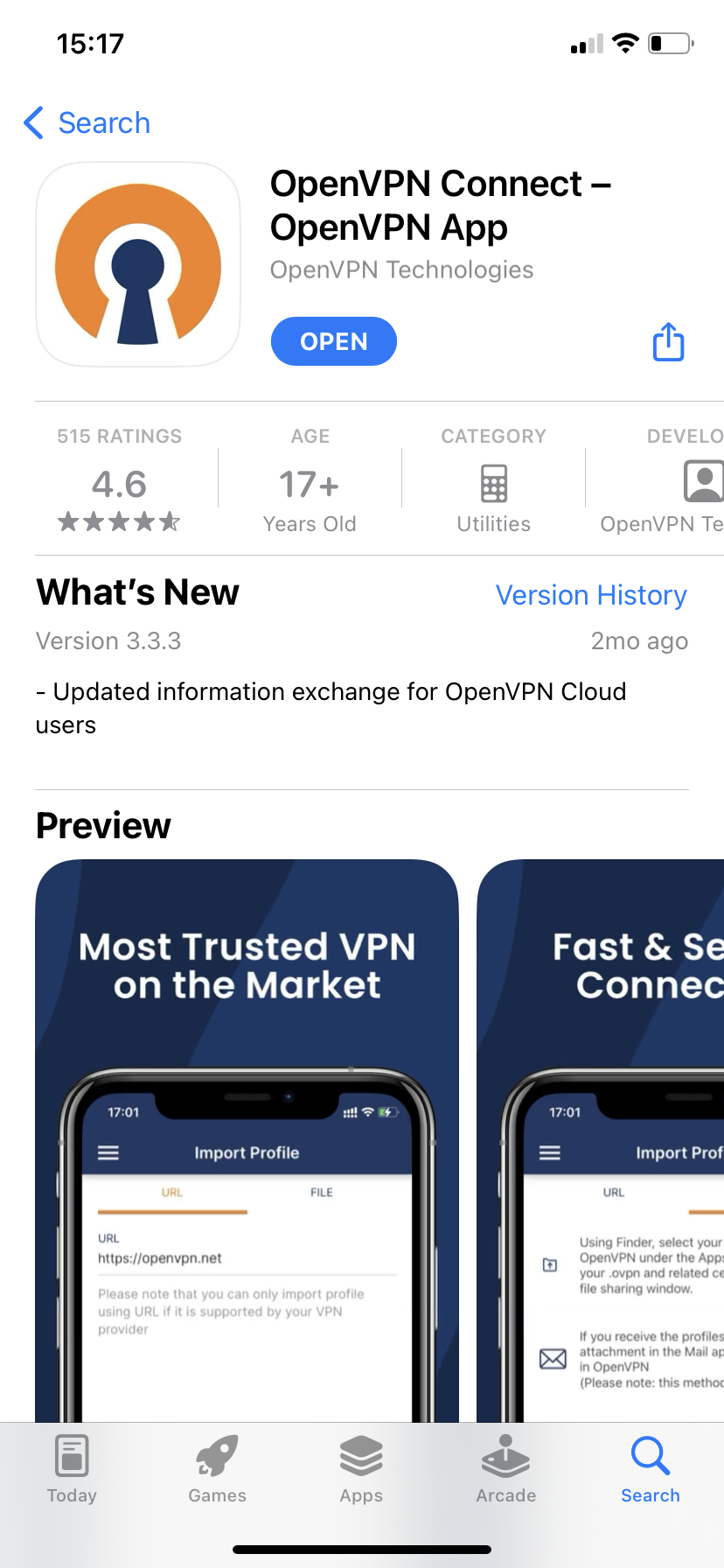
Open the app
-
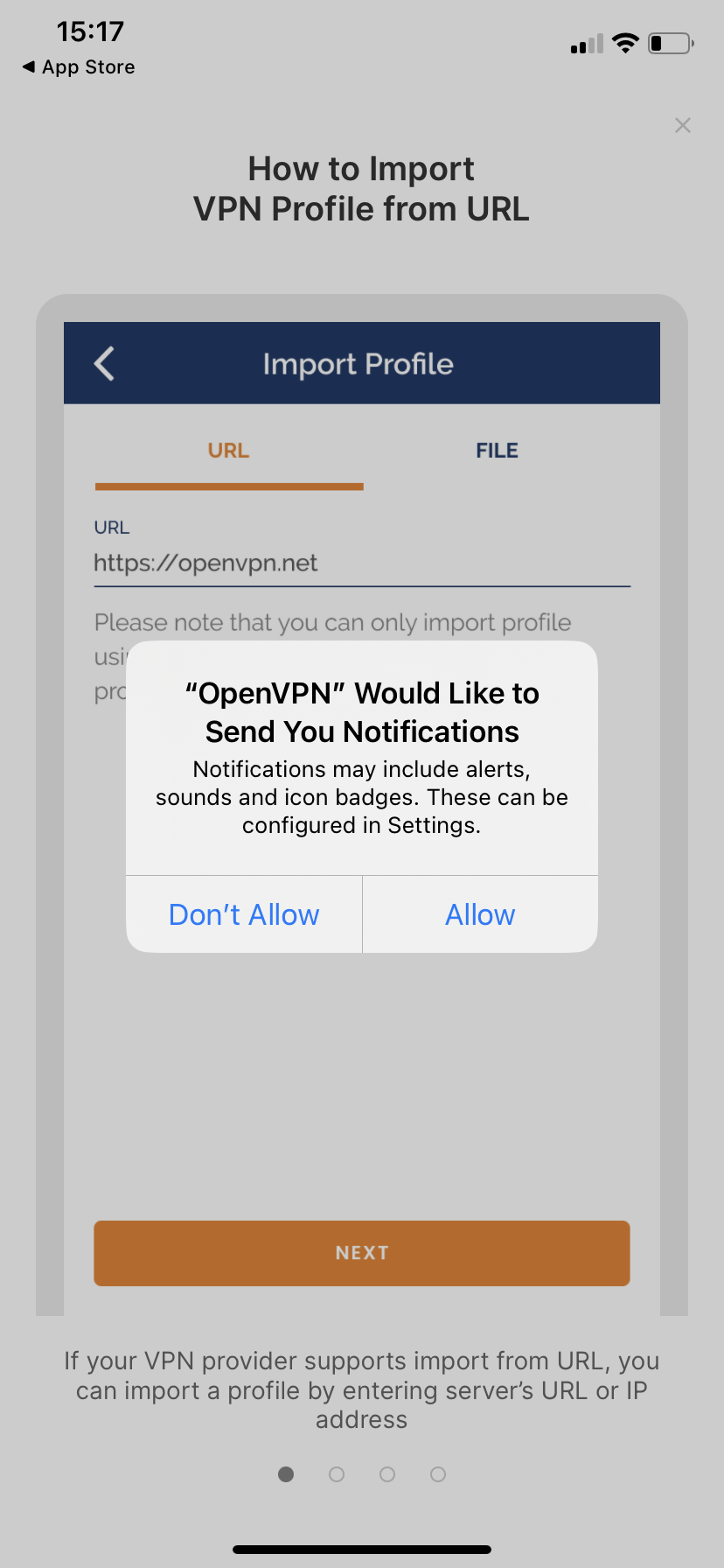
Allow notifications
-
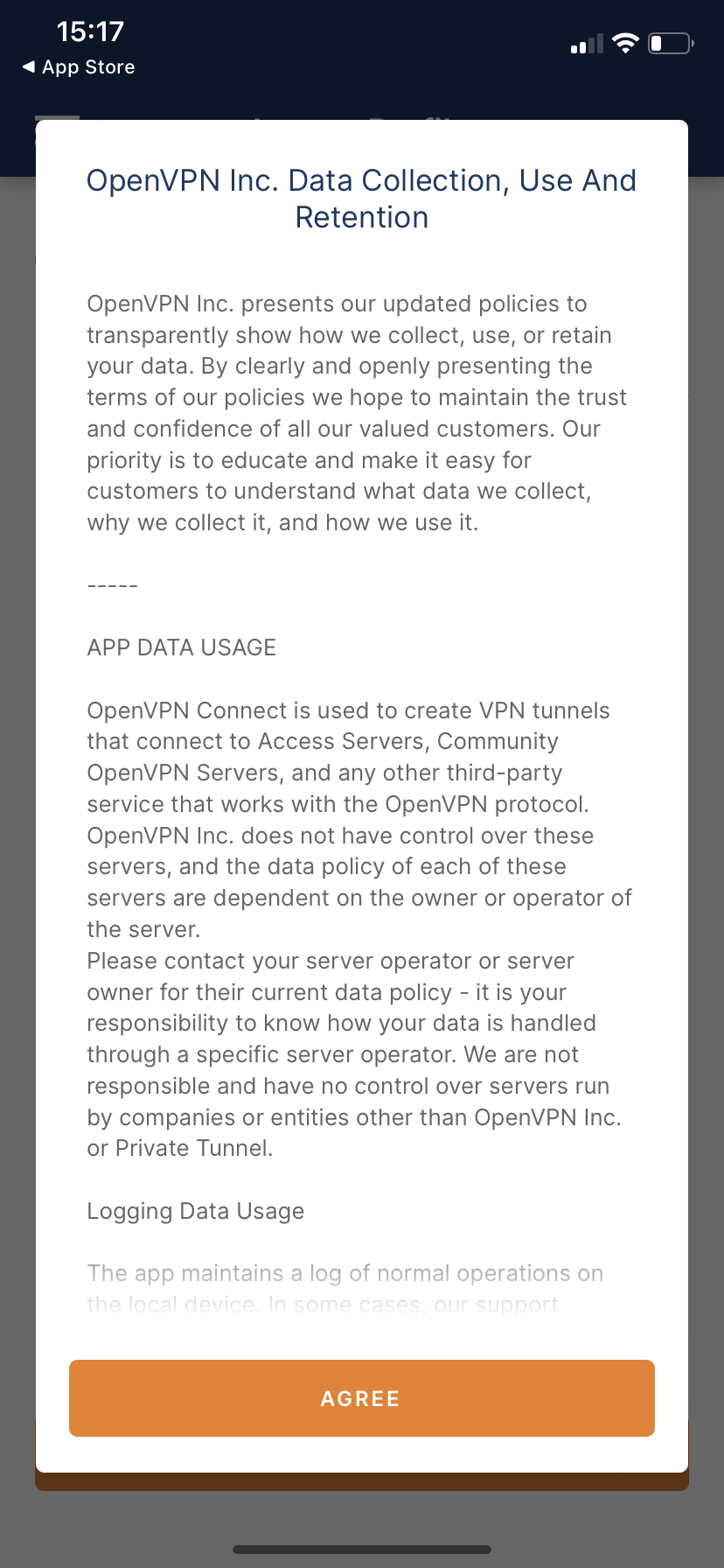
Agree to terms
-
Download our OpenVPN Config files from the link in your "Welcome Email"
-
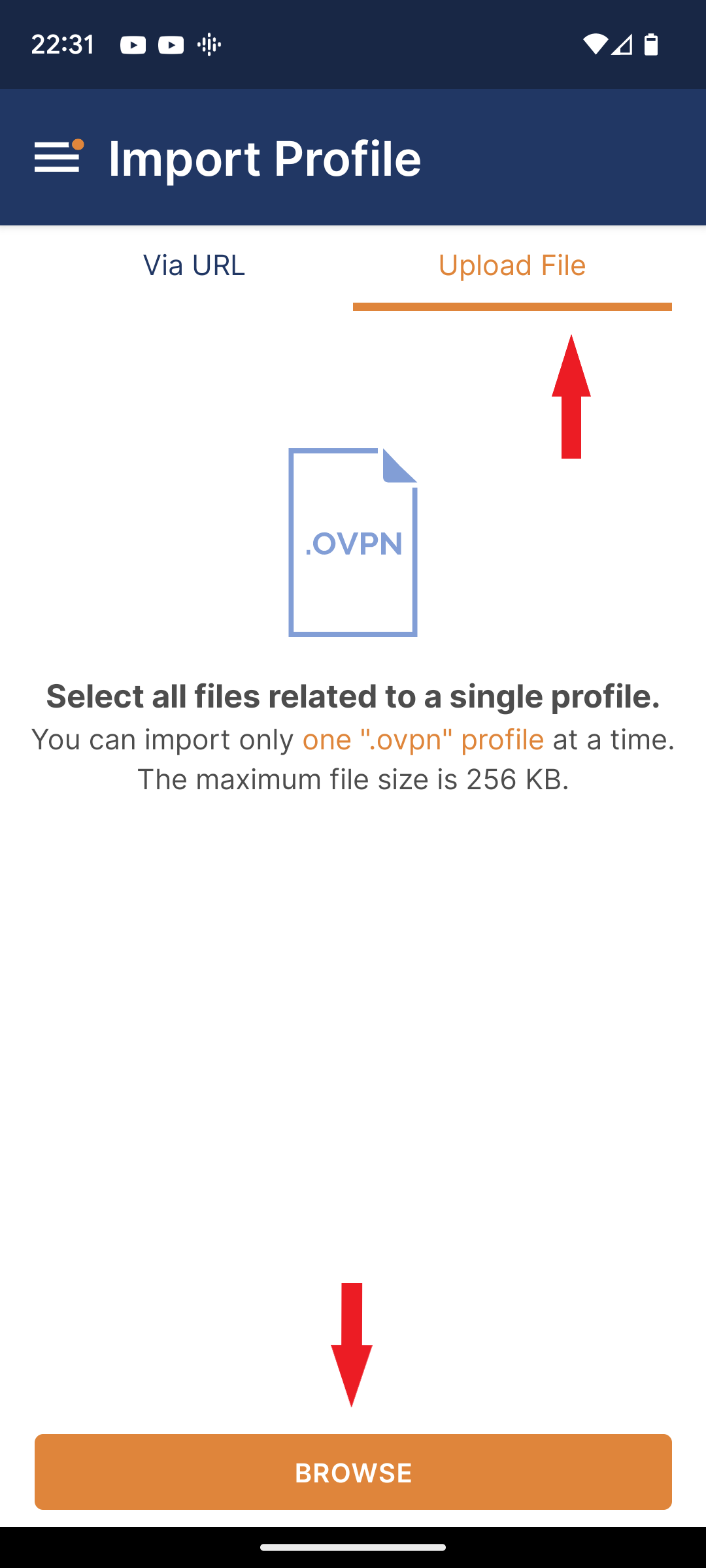
Open the OpenVPN APP and on the "Import Profile" screen click the "File" tab, then click "Browse"
-
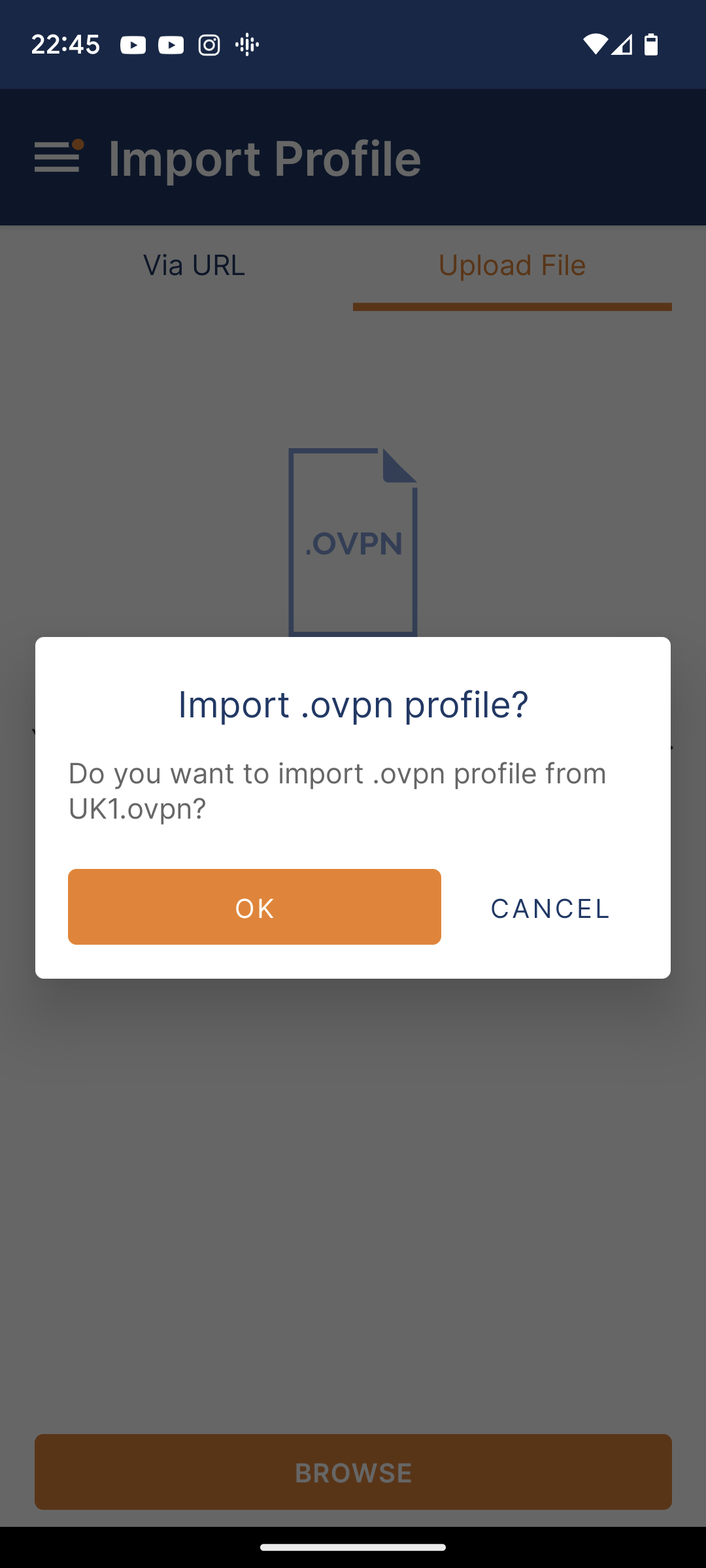
Select one of the server files, in this example UK1, then click "OK"
-
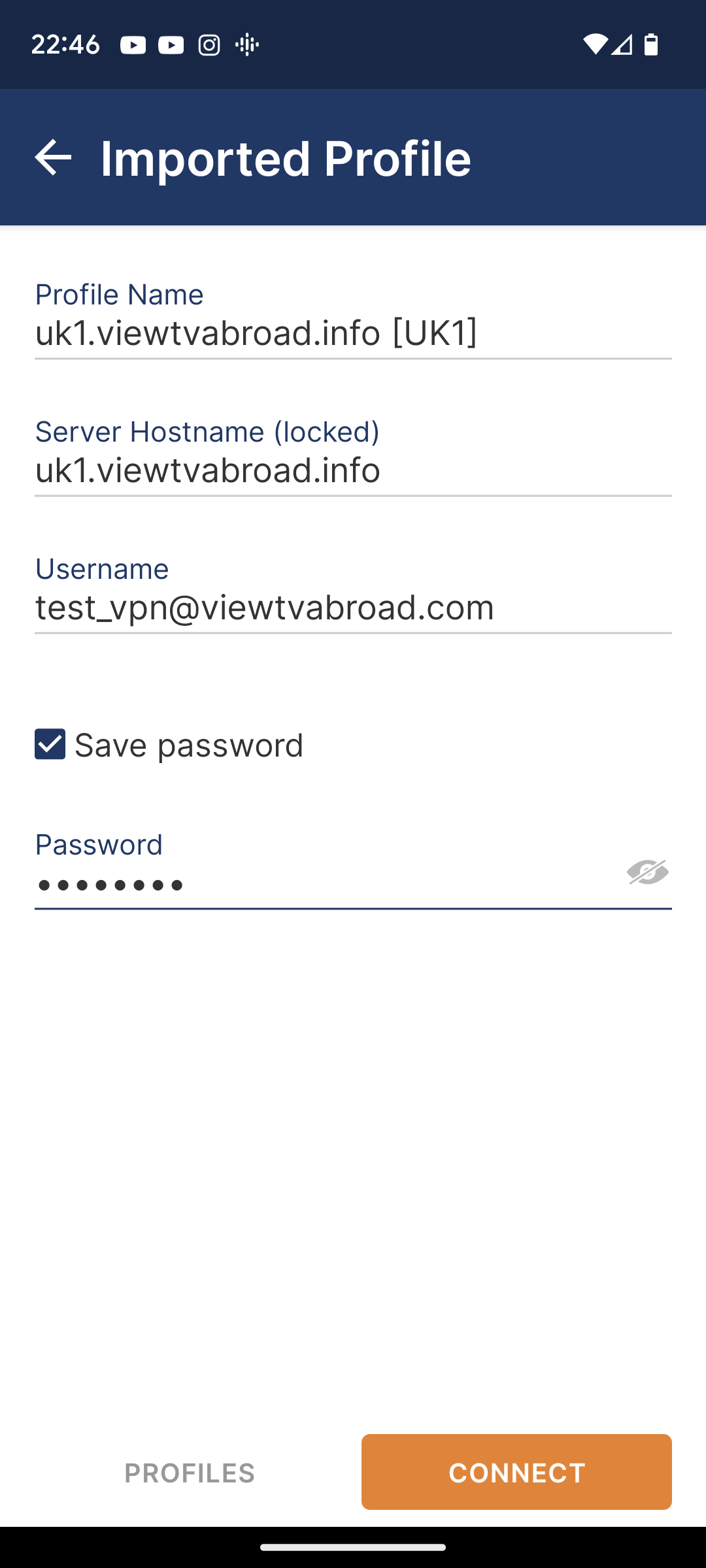
On the next screen enter your username from your Welcome Email. Tick "Save Password", then click "Connect".
-
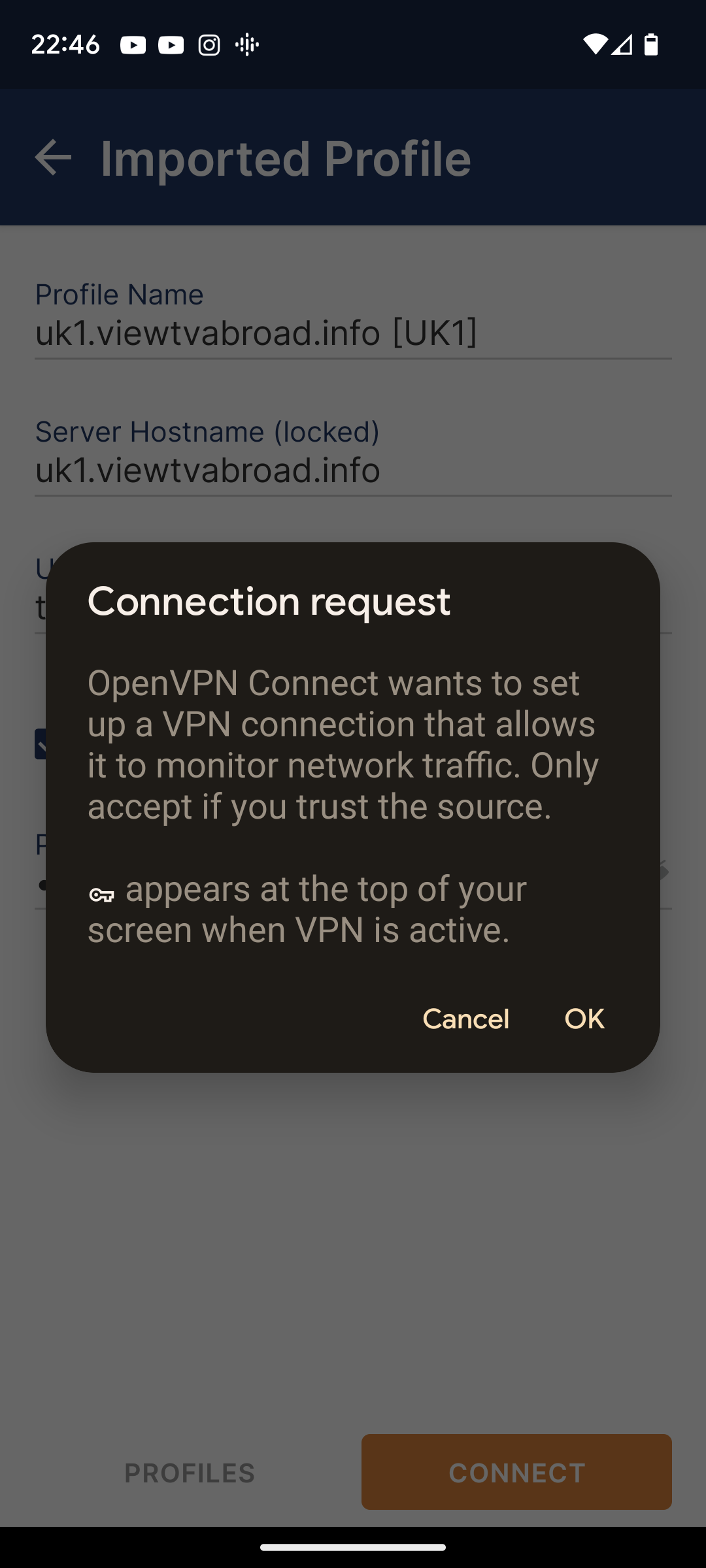
On the next screen click "ok"
-
Next select "Continue".
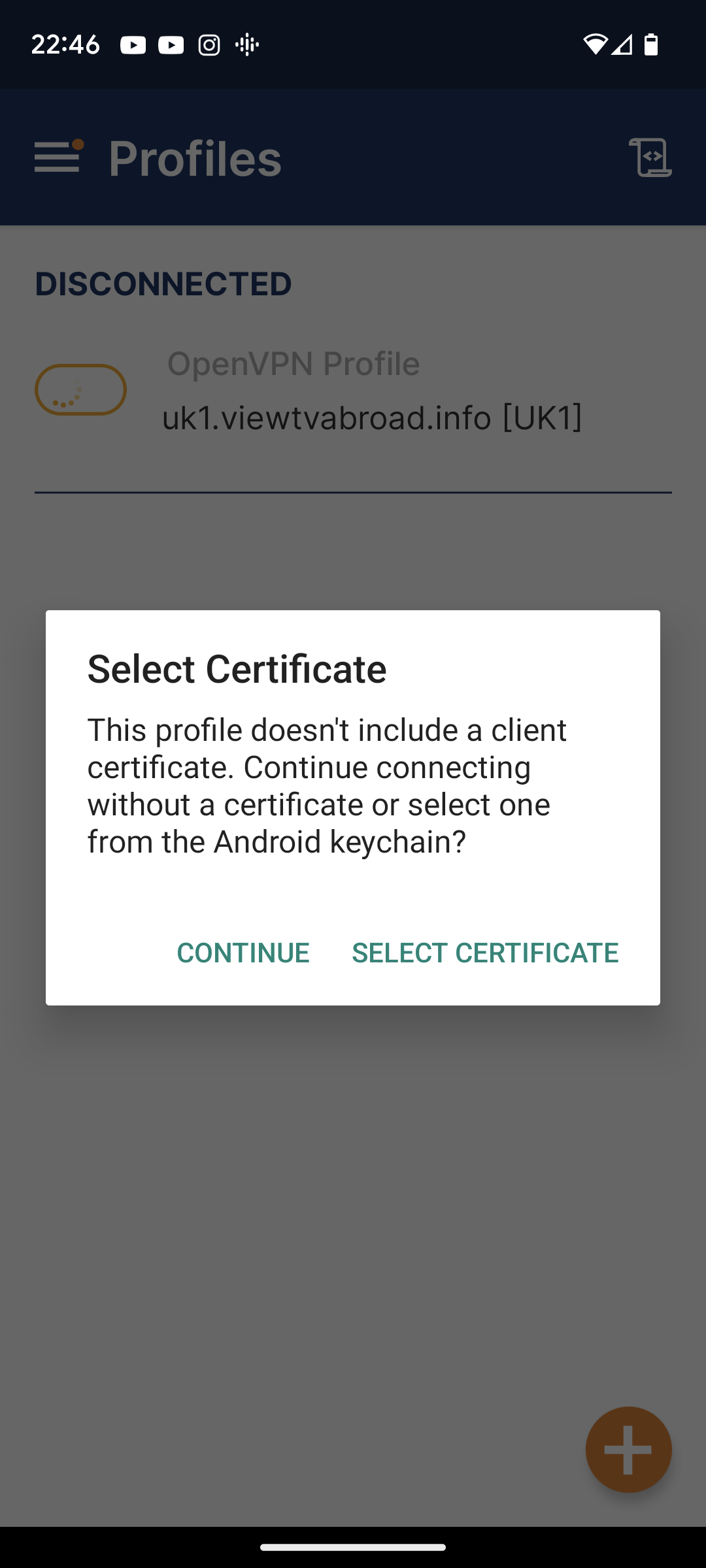
-
You are now connected!
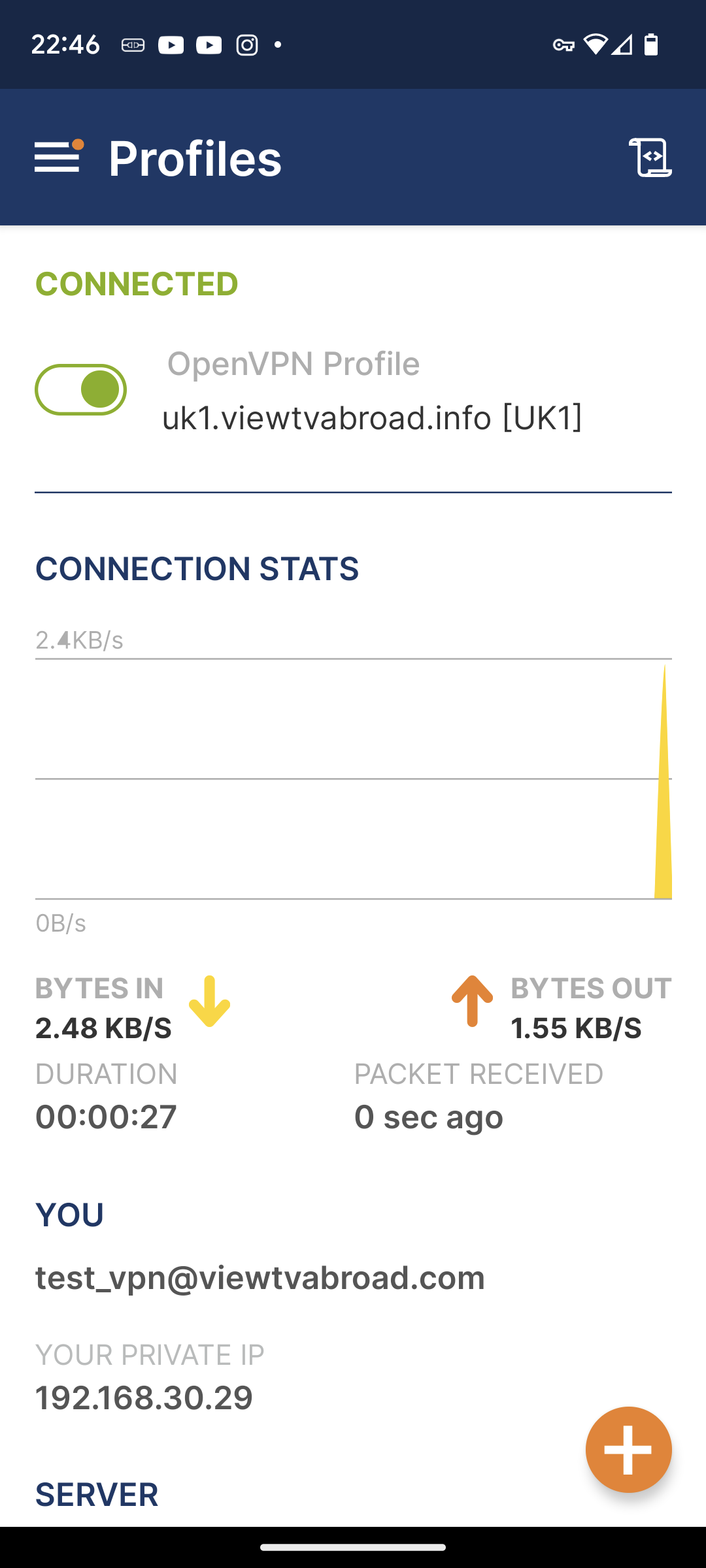
-
Toggle the green slider to disconnect
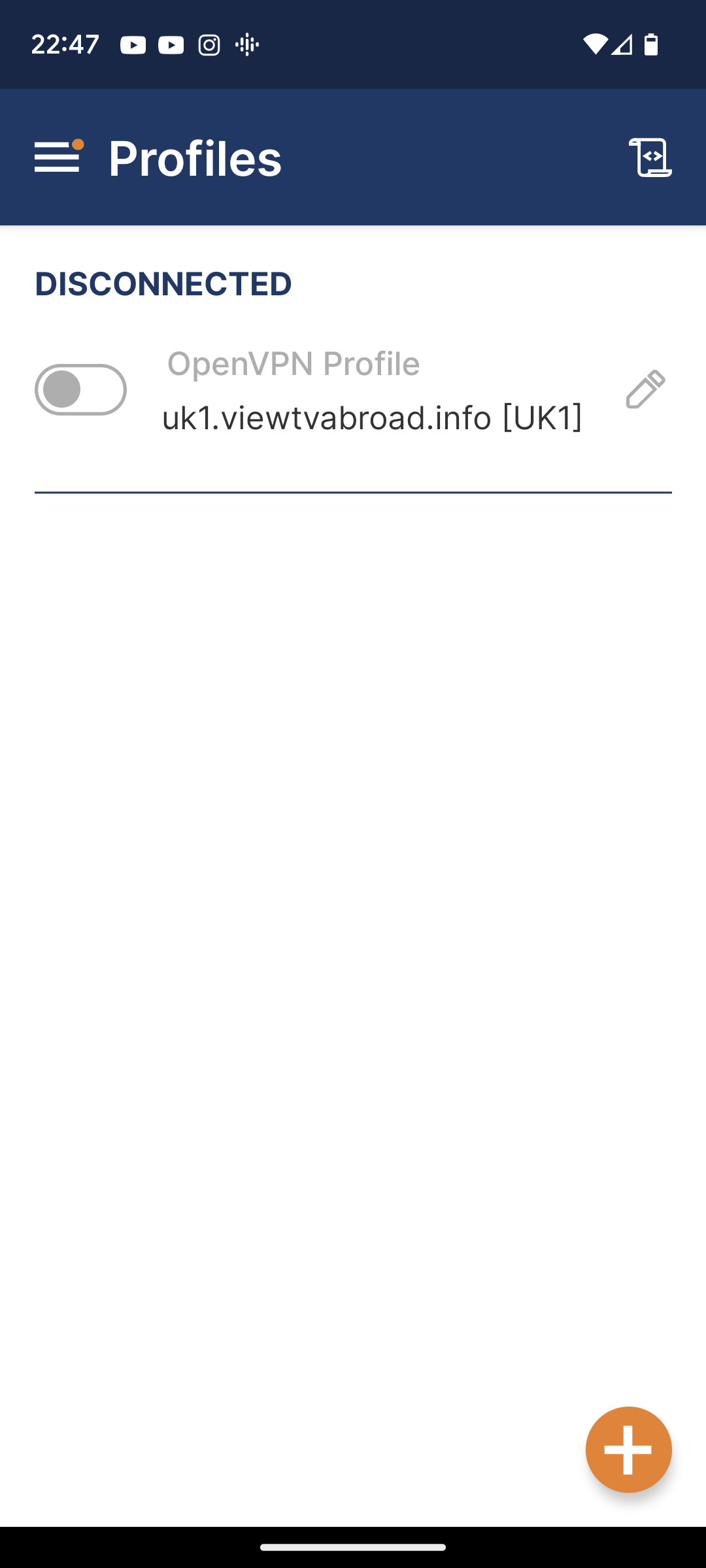
-
Now repeat to add all the other servers.
-
You can now start watching UK & US TV by selecting channels and services form the channels page. Remember - to Watch UK TV you must set up and be connected to a UK server and to Watch US TV you must set up and be connected to a US server.
Our Channels
 UK Channels
 US Channels
Living abroad, travelling, working away on business or on holiday?
Don't want to miss out on your favourite TV? View TV Abroad makes watching UK & USA TV, live or on demand, wherever you are, easy & accessible, using your TV, laptop, PC, Mac, Android, iPhone or iPad..
Subscribe Now